We are excited to announce a new editing experience for Wiki pages. We are replacing the existing editor with a new editor built on Monaco Editor, the same editor technology that powers Visual Studio Code.
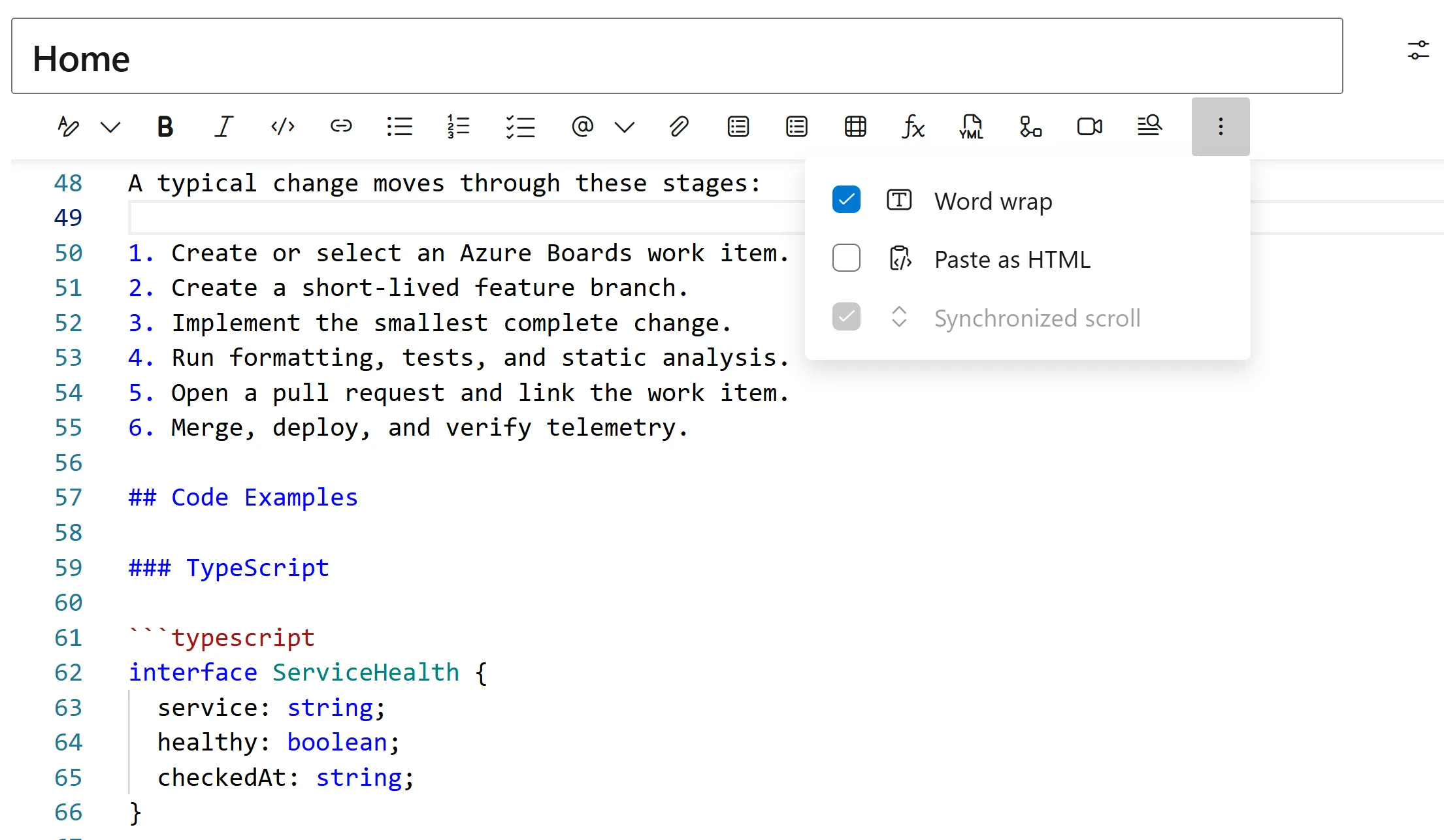
Monaco brings many of the editing capabilities familiar to Visual Studio Code to Wiki pages, while preserving the functionality of the existing Wiki editor.
New features
The new Monaco based editor includes:
- ** Visual Studio Code style Markdown editing** with syntax highlighting and line numbers
- Native find and replace for quickly locating and updating content
- Improved undo and redo for formatting, pasting, attachments, and autocomplete
- Autocomplete support using ‘!’ for pull requests, ‘@’ for people, ‘#’ for work items, as well as Wiki links and templates
- ** Persistent editor preferences** word wrap and synchronized scrolling
If you are already familiar with Visual Studio Code, the new editor should feel familiar and provide a better experience for creating and editing Wiki content.
Enable the Public Preview
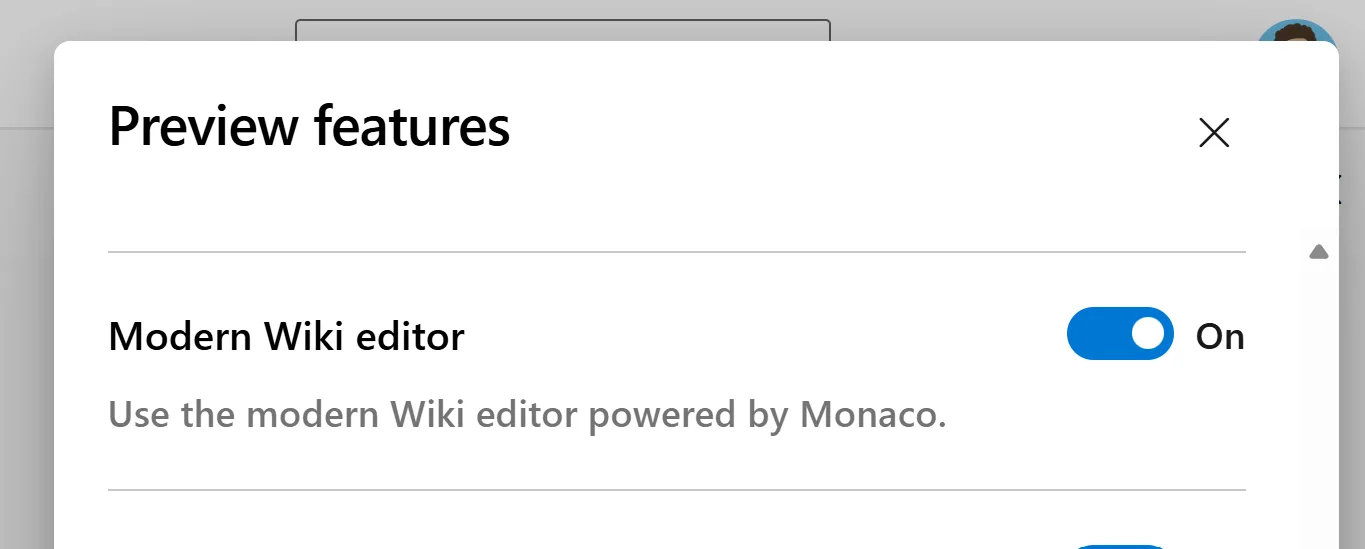
To enable the new Wiki editor for all Wiki pages, turn it on through Preview features. You can enable it for yourself or for your entire organization.
Feedback
This feature is still new, and we would love your feedback. If you run into any issues or have suggestions, leave a comment on this post, visit the Developer Community, or email us directly.
We can’t wait for you to try out this new feature.
The post New Wiki Editor Experience appeared first on Azure DevOps Blog.